
Why Scripts Matter in Contact Centers
In modern contact centers, delivering consistent and efficient customer service is essential. Scripts in Genesys Cloud CX provide agents with clear instructions and customer details, ensuring smooth and professional interactions. This training will guide you in creating and customizing scripts to enhance your contact center’s performance.
What Are Scripts in Genesys Cloud CX?
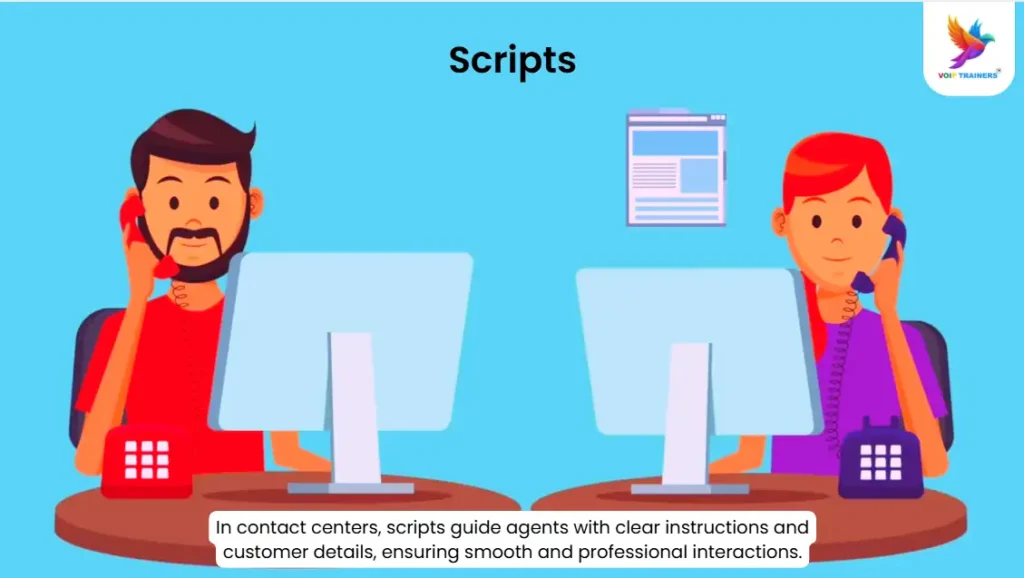
Scripts are on-screen instructions that guide agents during interactions. They appear as a screen pop in the client interface and include visual controls, text, and navigation aids. Scripts help agents know what to say and how to handle different situations, ensuring a consistent customer experience.
Types of Scripts:
- Inbound Scripts:
- Outbound Scripts:
Creating Effective Scripts
Steps to Build a Script:
- Plan the Content: Identify the script’s purpose and the key details to include. For example, customer name, issue type, and response options.
- Design the Script Layout: Ensure it is clear and easy to follow. Use simple language and concise instructions.
- Test the Script: Simulate interactions to check if it flows naturally. Adjust based on feedback.
- Deploy the Script: Assign the script to the relevant queue or campaign.
Callback Scenario: Real-World Example
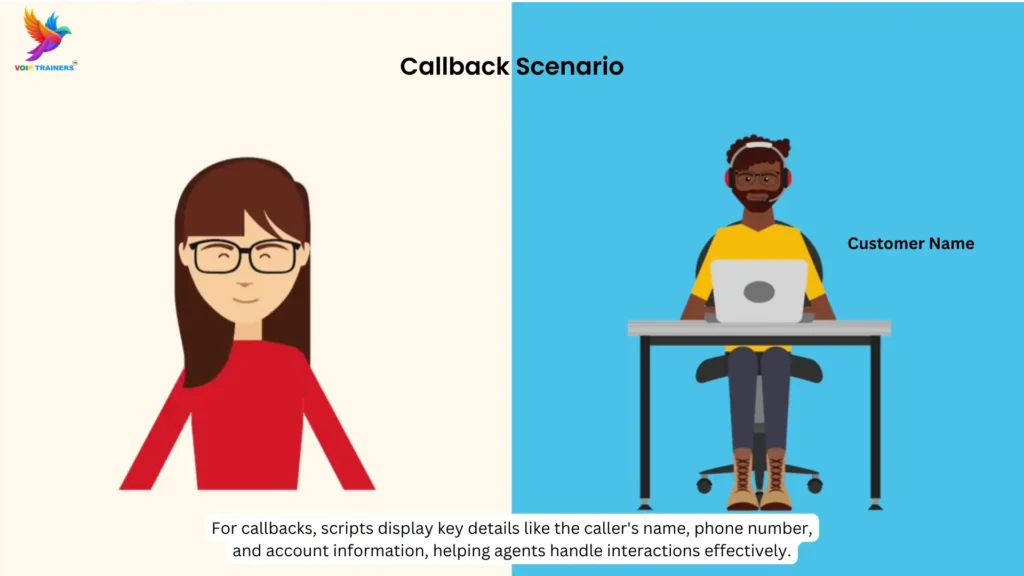
Imagine your contact center handles financing for outdoor adventure packages. Customers often call to make payments but prefer receiving a callback instead of waiting on hold.
In this scenario:
- Script Functionality: The script displays key information such as the caller’s name, phone number, and account balance.
- Dynamic Data: If no caller name is available, the system uses the caller’s location.
- Outcome: Agents can access all necessary details quickly, ensuring a smooth and personalized callback experience.
Advanced Script Features
Interactive Elements:
Scripts can include text fields, buttons, and dropdowns, making it easy for agents to navigate and provide accurate responses.
Multi-Page Scripts:
For complex interactions, scripts can span multiple pages. This is useful for detailed surveys, troubleshooting guides, and feedback forms.
Benefits of Using Scripts in Contact Centers
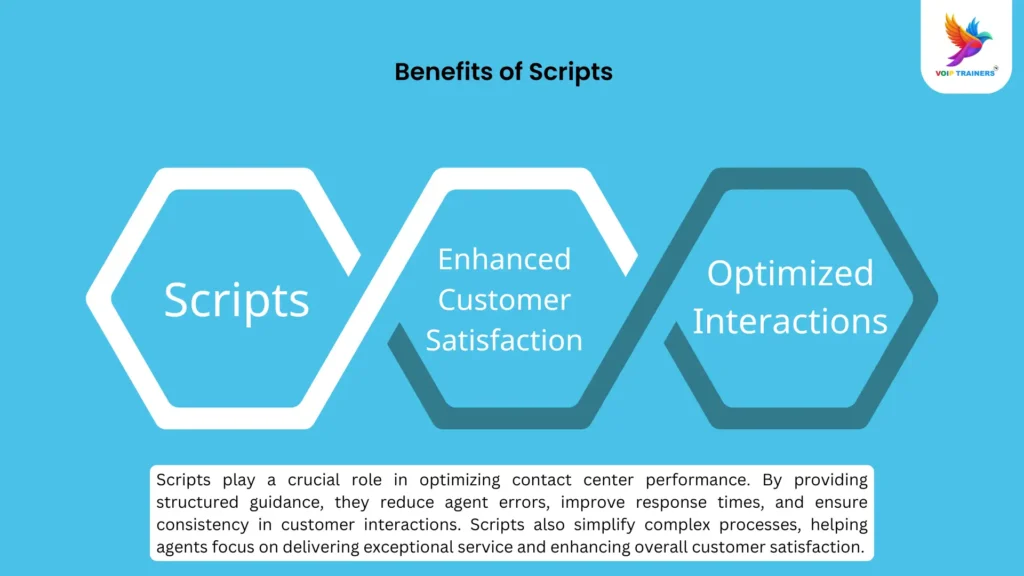
- Consistency: All agents follow the same guidelines, ensuring uniform service.
- Efficiency: Reduces the need for agents to think on the spot, leading to faster responses.
- Training Support: Simplifies the onboarding process for new agents.
- Enhanced Customer Experience: Agents provide accurate, personalized information, improving customer satisfaction.
Join Our Customized Training Program
Our Genesys Cloud CX Customized Training covers everything you need to know about scripting. Learn how to create, test, and deploy effective scripts for both inbound and outbound interactions.
Why Choose VoIP Trainers?
- Expert Instructors: Learn from industry professionals with hands-on experience.
- Practical Learning: Real-world scenarios to enhance your skills.
- Engaging Content: Interactive lessons and AI animations make learning fun and effective.
Take Your Contact Center to the Next Level
Mastering scripts in Genesys Cloud CX is key to improving agent performance and delivering outstanding customer experiences. With structured guidance, agents can handle interactions more efficiently, reducing errors and enhancing overall satisfaction.
Enroll Now and Get 50% Off!
Join our 5-day live training and transform your contact center operations. Don’t miss out secure your spot today!