
Understanding Genesys Administrator Training
Genesys Training, In today’s competitive contact center environment, efficient workforce management is crucial. Genesys Administrator Training provides the essential skills to manage agents, schedules, and operations using the Genesys Cloud CX platform. One key focus of this training is understanding management units and schedules—two fundamental components that streamline your workforce and enhance productivity.
What Are Business Units?
Defining Business Units in Genesys Cloud CX
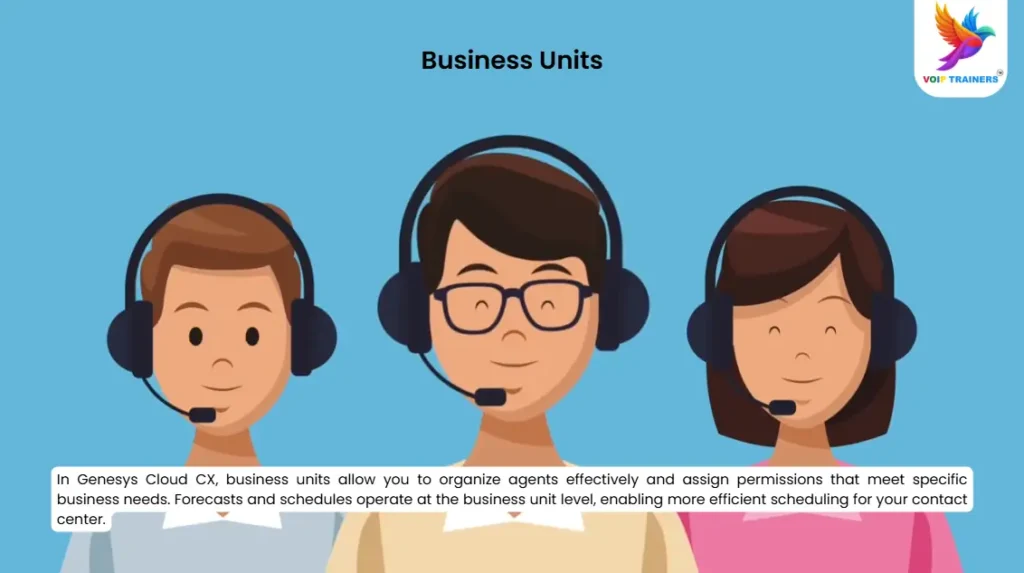
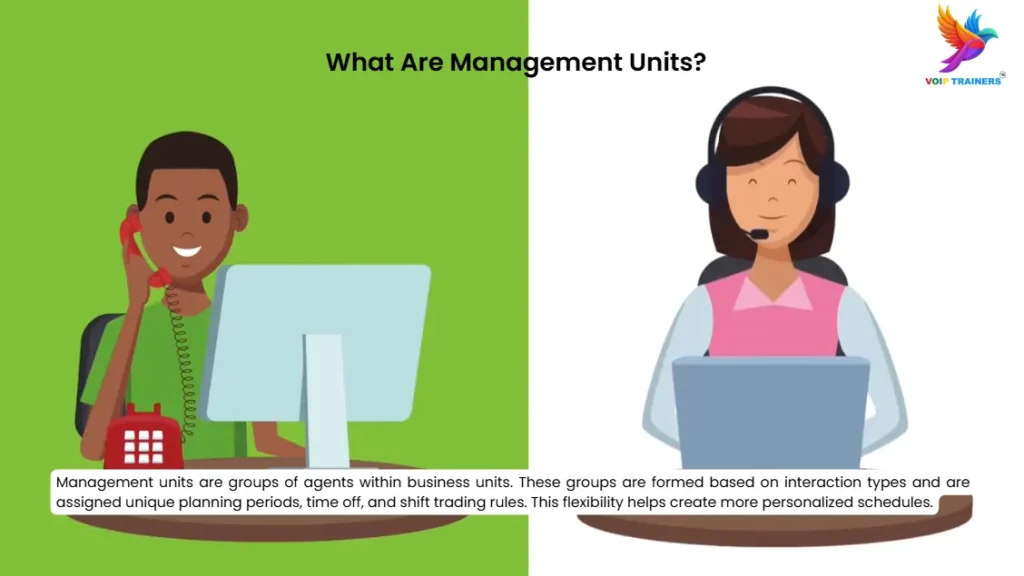
Business units in Genesys Cloud CX allow you to organize agents based on their roles, permissions, and interaction types. They form the foundation for workforce management, enabling you to create forecasts and schedules efficiently. Business units consolidate data across various management units, ensuring comprehensive coverage and optimal resource allocation.
Benefits of Business Units
- Centralized Control: Manage multiple management units within a single business unit.
- Streamlined Forecasting: Forecasting and scheduling operate at the business unit level for consistency.
- Efficient Resource Allocation: Leverage agents from different management units to meet service goals effectively.
What Are Management Units?
The Role of Management Units in Scheduling
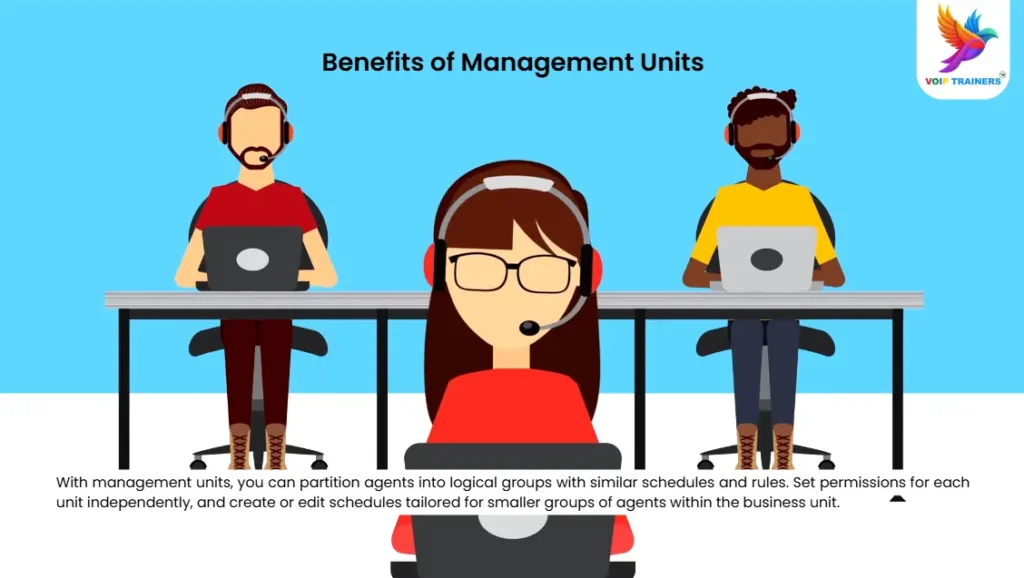
Management units are subsets within business units. They group agents based on similar rules, such as shift timings, time-off policies, and adherence requirements. This grouping allows supervisors to manage smaller teams with customized rules, ensuring flexibility and efficiency.
Key Features of Management Units
- Logical Grouping: Organize agents handling similar interactions into logical units.
- Customizable Rules: Set unique adherence, time-off, and shift-trading rules for each unit.
- Independent Permissions: Define permissions for each management unit separately, improving control.
Creating and Managing Schedules
The Importance of Scheduling in Genesys Cloud CX
Schedules are the core output of workforce management planning. They define the activities agents will perform each day, ensuring the right resources are available at the right time. With Genesys Cloud CX, scheduling is no longer a complex task. The platform offers tools to create, manage, and optimize schedules easily.
Steps to Create Effective Schedules
- Define Activities: Pre-define activities like calls, emails, and training sessions.
- Group Agents: Use management units to assign agents to specific tasks and interaction types.
- Create Weekly Schedules: Design weekly schedules, considering agent availability and service goals.
- Publish and Monitor: Once published, agents can view their schedules via the Client UI. Supervisors can monitor adherence in real-time.
Tips for Effective Scheduling
- Use Historical Data: Leverage past interaction data to forecast future needs.
- Automate Tasks: Utilize drag-and-drop features to assign tasks quickly.
- Duplicate Schedules: Save time by duplicating schedules for recurring weeks.
Real-Time Adherence and Monitoring
Ensuring Compliance with Schedules
One of the standout features in Genesys Cloud CX is real-time adherence monitoring. It ensures agents stick to their schedules, improving overall productivity. Supervisors can track agent activities and identify any deviations from the schedule.
Monitoring Tools
- Real-Time Adherence: View current agent activities and compare them to the schedule.
- Intraday Monitoring: Track performance throughout the day to make on-the-fly adjustments.
- Historical Adherence: Analyze past performance to identify trends and areas for improvement.
Why Choose Genesys Cloud CX Training at VoIP Trainers?
Comprehensive Curriculum
Our Genesys Administrator Training covers everything from basic scheduling to advanced workforce management strategies. You’ll learn how to:
- Organize agents into management units.
- Create and manage complex schedules.
- Monitor performance and ensure adherence.
Hands-On Experience
We offer practical, hands-on training with real-world scenarios, helping you apply what you learn immediately. Our engaging AI-animated classes make learning interactive and fun.
Career Opportunities
By mastering Genesys Cloud CX, you open doors to high-paying jobs in contact center management. Companies are always looking for skilled administrators who can streamline operations and boost efficiency.
Conclusion
Genesys Administrator Training is essential for anyone looking to master workforce management. Understanding business units, management units, and scheduling in Genesys Cloud CX will equip you with the skills needed to optimize your contact center’s performance.
📢 Join our 5-day live training at VoIP Trainers and get 50% off! Gain the expertise to manage agents efficiently and secure a high-paying job in the growing field of workforce management.